Stop digging folders
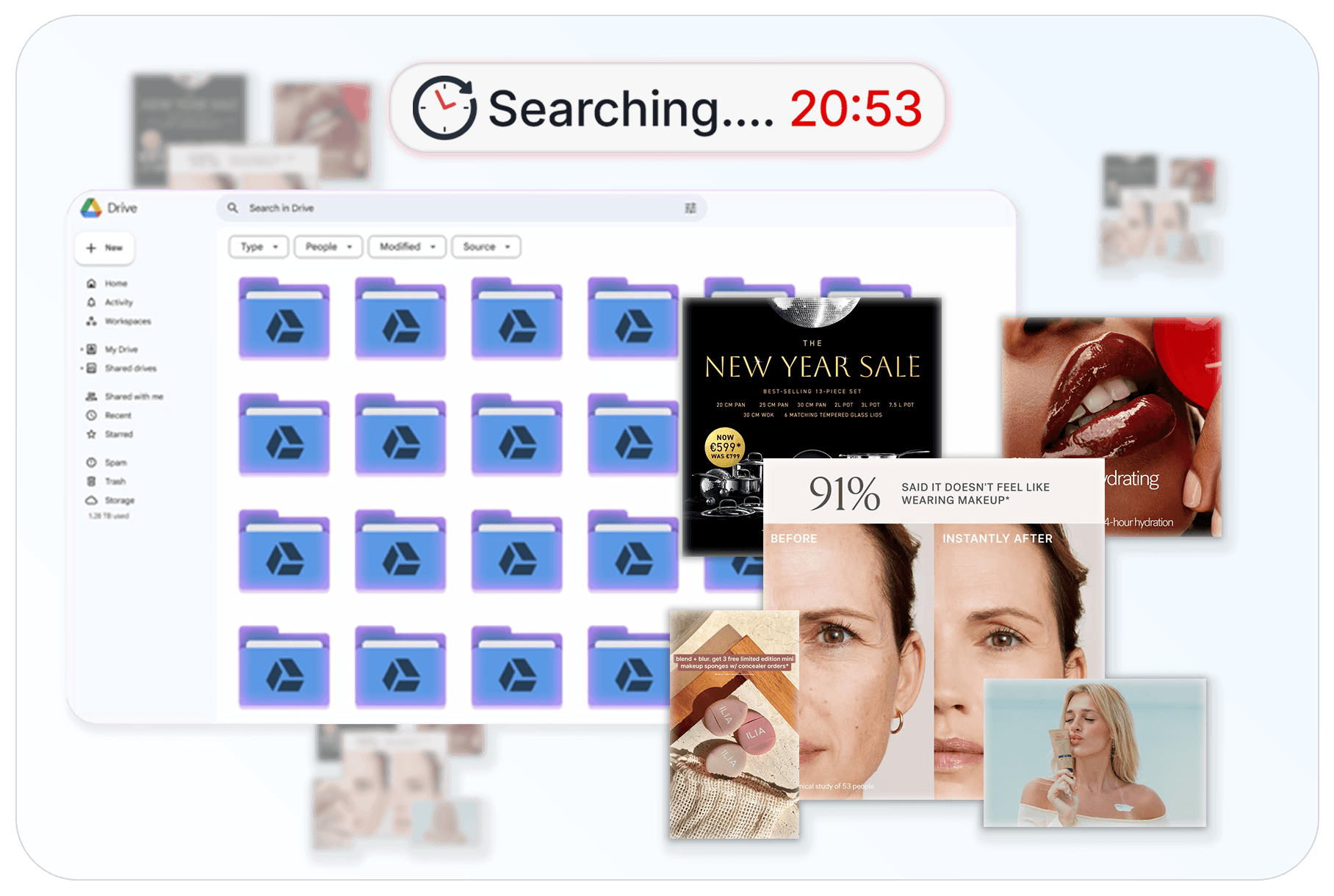
Your best images are buried in your library

Brands invest heavily in photoshoots and visual assets, but most of those images get lost inside folders. Designers and marketers often recreate visuals simply because they can’t quickly find what already exists.
AI Image Theme Detection
Instantly browse your images by visual themes

AI Image Theme Detection
Instantly browse your images by visual themes

Recharm automatically analyzes your images and groups them into meaningful visual themes. You can instantly browse collections like product shots, before-and-after images, and promotional visuals. This makes it easy to find the right image for your next campaign without manual searching.

How it works
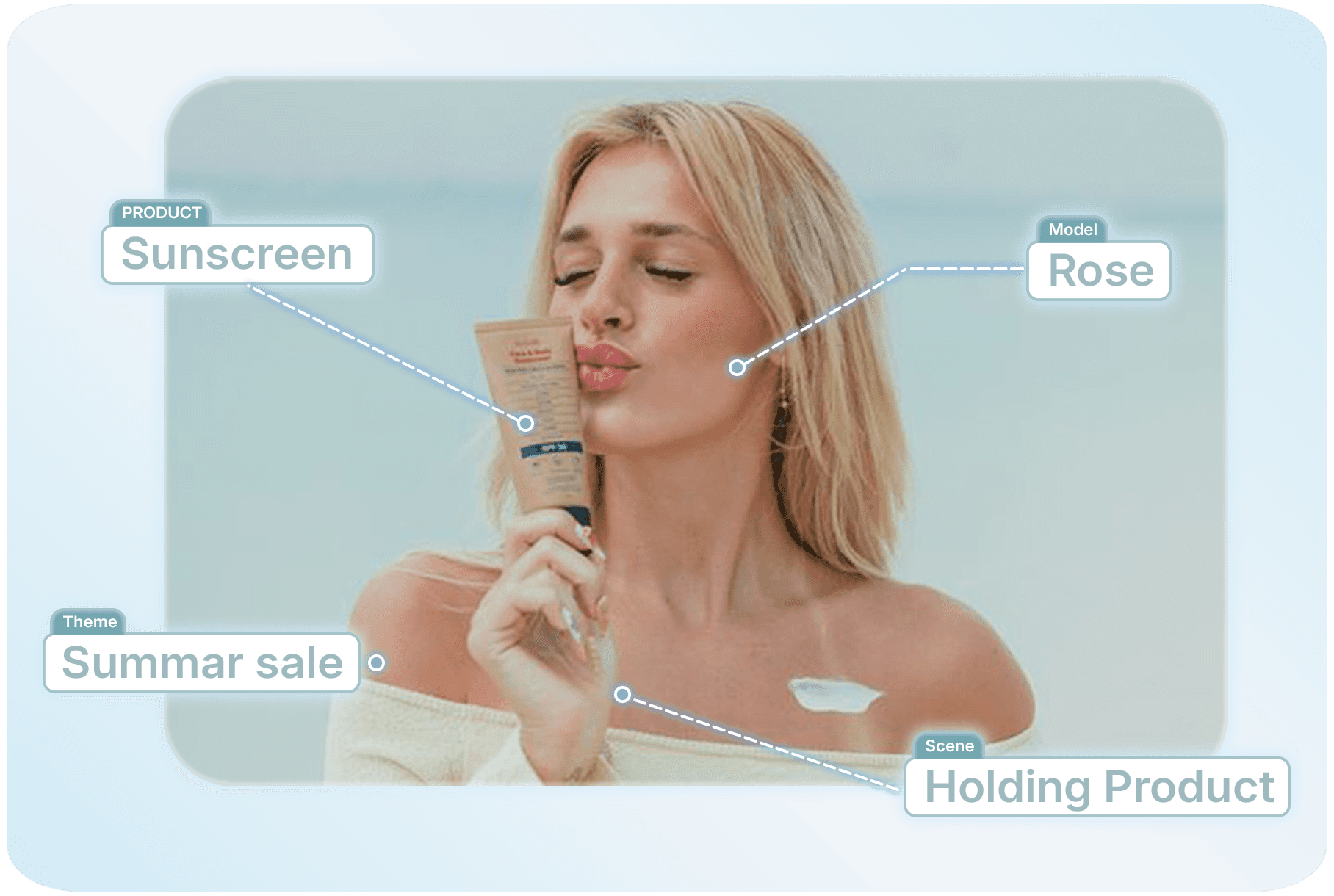
AI automatically detects image themes

How it works
AI automatically detects image themes

Holding Product

AI IMAGE DETECTION

Automatically organize images by visual themes

Automatically organize images by visual themes

Images are automatically categorized based on what appears in them, making large image libraries easier to browse and manage.

Before and after visuals

captured in creative assets

Promotional graphics

used in campaigns

Ingredient or detail shots

visible in the frame

More

AI identifies the creator's age and genders

EASY VISUAL BROWSING

Find the right image faster

Find the right image faster

Instead of opening files one by one, teams can visually browse image collections grouped by theme. This makes it easy to quickly find the right image for social posts, ad creatives, product pages, or campaigns. Editors and marketers can instantly jump to the images they need.

SMART IMAGE DISCOVERY

Quickly navigate thousands of images

Quickly navigate thousands of images

As your image library grows, finding specific visuals becomes harder. Recharm organizes images into themes like aesthetic product shots, close-ups, promotional visuals, and ingredient shots. This structured approach helps teams quickly find the right visuals without digging through folders.

Compare
Recharm vs Google Drive

Compare
Recharm vs Google Drive

Recharm

Google Drive

Automatic image theme detection

Browse images by visual themes

Visual library browsing

No manual image tagging required

Image discovery by theme

Organized image library for creative teams

Quickly locate campaign visuals

Built for marketing creative workflows

Recharm is built
For the people who make the ads

Trusted by thousands of entrepreneurs and teams to deliver high value at a competitive price.

Creative Strategists

Find visual inspiration faster

Find visual inspiration faster

Creative strategists often need to explore existing assets to build campaign ideas. Image theme detection makes it easy to quickly browse visual references without searching through folders.

Explore visual themes quickly

Pull references for creative briefs

Discover existing assets for new campaigns

Designers & Marketers

Quickly locate campaign visuals

Quickly locate campaign visuals

Designers and marketing teams frequently need specific types of visuals for ads, landing pages, or social media. Instead of manually searching for the right image, Recharm organizes images into themes so the right assets are easy to find.

Find promotional visuals instantly

Locate product shots and lifestyle imagery

Build campaigns faster using organized visuals​

Frequently Asked Questions

{ "@context": "https://schema.org", "@type": "FAQPage", "mainEntity": [ { "@type": "Question", "name": "What is Image Theme Detection in Recharm?", "acceptedAnswer": { "@type": "Answer", "text": "Image Theme Detection automatically analyzes your images and groups them into visual categories such as product shots, before-and-after images, testimonials, promotional visuals, and more. This makes it easier to browse and find the right image without manually organizing files." } }, { "@type": "Question", "name": "Do I need to manually tag my images for this to work?", "acceptedAnswer": { "@type": "Answer", "text": "No. Recharm automatically detects what appears in your images and organizes them into themes. You don’t need to manually label or tag your files." } }, { "@type": "Question", "name": "What kinds of image themes can Recharm detect?", "acceptedAnswer": { "@type": "Answer", "text": "Recharm can detect common creative themes such as product shots, close-ups, ingredient images, promotional visuals, testimonials, before-and-after comparisons, and more. These themes help creative teams quickly browse the right type of visual." } }, { "@type": "Question", "name": "How is this different from organizing images in folders?", "acceptedAnswer": { "@type": "Answer", "text": "Folders only show file names and often require deep nesting to organize content. Recharm groups images by visual themes, making it easier to browse and filter images without digging through multiple folders." } }, { "@type": "Question", "name": "Can I still search or filter images after they are organized?", "acceptedAnswer": { "@type": "Answer", "text": "Yes. Once images are organized into themes, you can easily browse those collections and quickly filter your library to locate the visuals you need." } }, { "@type": "Question", "name": "Does this work if I have thousands of images?", "acceptedAnswer": { "@type": "Answer", "text": "Yes. Recharm is designed to handle large image libraries. Even if you have thousands of assets from multiple campaigns, images are automatically organized so teams can quickly find what they need." } }, { "@type": "Question", "name": "Can Recharm organize images from past campaigns?", "acceptedAnswer": { "@type": "Answer", "text": "Yes. When images are uploaded or synced, Recharm analyzes them and organizes them into themes, including assets from previous campaigns or shoots." } }, { "@type": "Question", "name": "Why is Image Theme Detection useful for creative teams?", "acceptedAnswer": { "@type": "Answer", "text": "It saves time. Instead of manually sorting images or searching through folders, teams can instantly browse organized visual themes and find the right asset for ads, landing pages, or social media." } } ] }